89
Apple
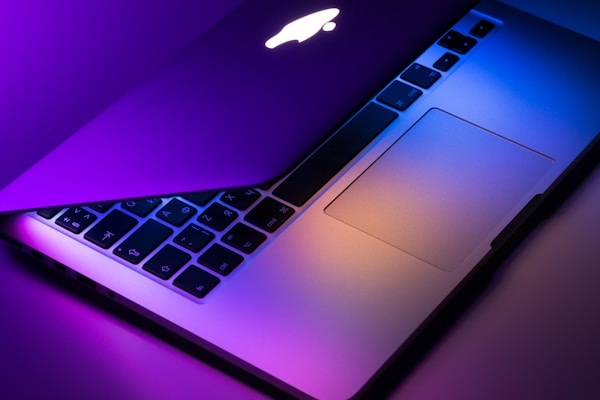
MacBook Air M4 15"
- 18-hour battery life
- Fanless, completely silent
- Stunning Liquid Retina display

The best Surface laptop yet. Snapdragon X Elite finally makes Windows on ARM viable. Excellent battery life and a gorgeous display, though some legacy apps may need emulation.
We don't display prices to avoid showing outdated information. Click any link to see the current price directly on the retailer's site.
Most popular apps now have native ARM versions. Older x86 apps run through emulation with a small performance penalty. Critical professional apps like Photoshop and Office run natively.
Very competitive. Battery life is similar, and the Surface has a touchscreen. The MacBook Air has a better app ecosystem and resale value.
Yes, VS Code, most IDEs, and Docker now run natively on ARM. Some niche development tools may still need emulation.